Guides / Videos
Write or draft the summary, and approve it
A few lines under the video, so a client can read what you said as well as watch it. Drafted from the transcript alone, or written by you, and never sent until you approve it.
What you need first
- A video with a transcript
- AI drafting on your plan, if you want it drafted rather than written
The summary is what a client reads under the video when they do not have six minutes. By the end of this page one will be written, approved, and on its way to the client page.
Find the Client summary box
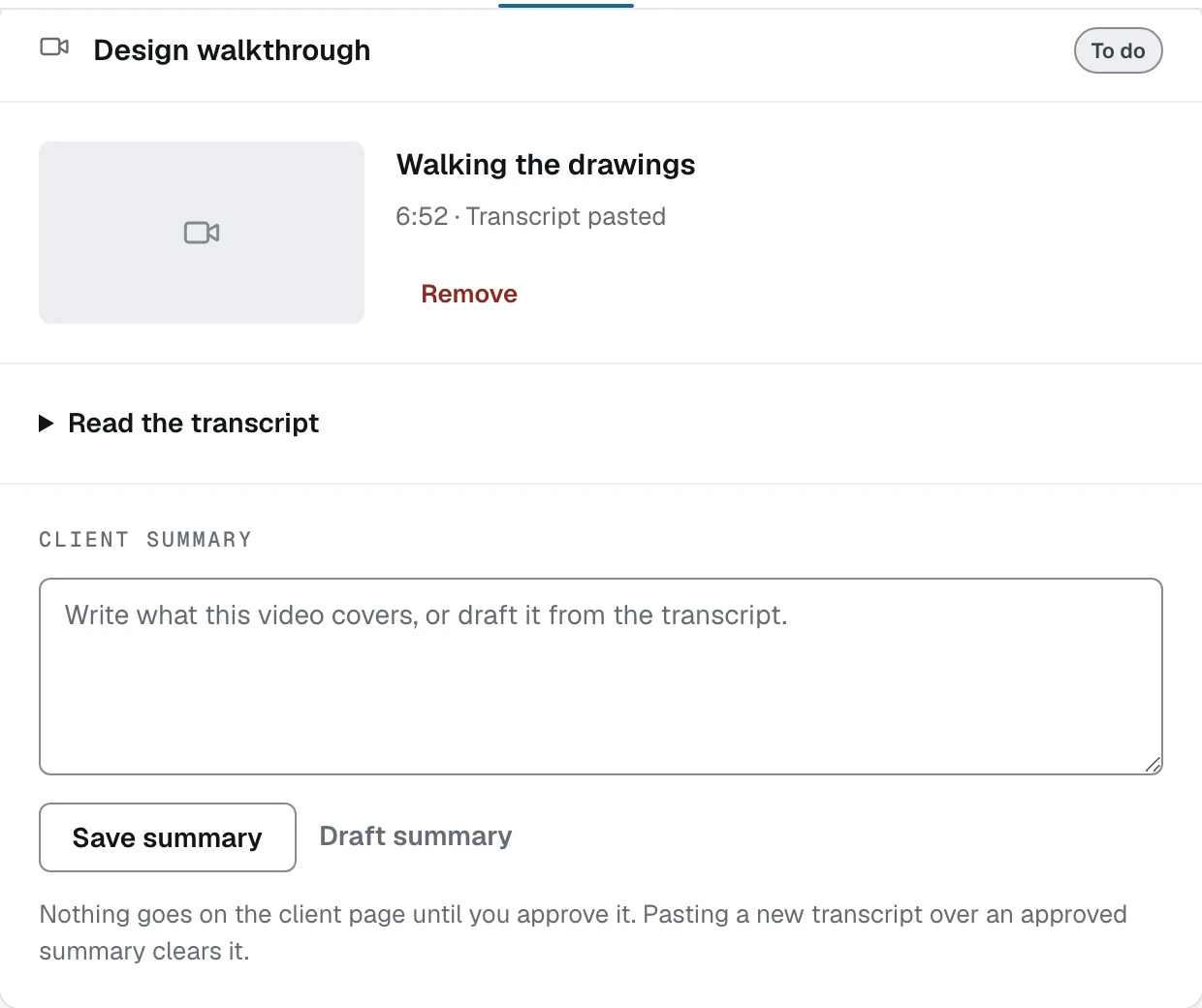
Click Draft summary, or write it yourself
Draft summary appears when the video has a transcript and AI drafting is on for your shop. It reads the transcript and nothing else: not the drawings, not the estimate, not the internet. If drafting is off, or your workspace has no model key configured, the button is not there and you write the summary yourself, which is the path the pictures on this page took. The words in them are an example typed into a demo workspace, not a real client's recording.
Read it against the video
The line under the buttons is the rule: drafted from the transcript and nothing else, and approving puts it on the client page. Edit it in the box like any other text. It is your words going out under your name.
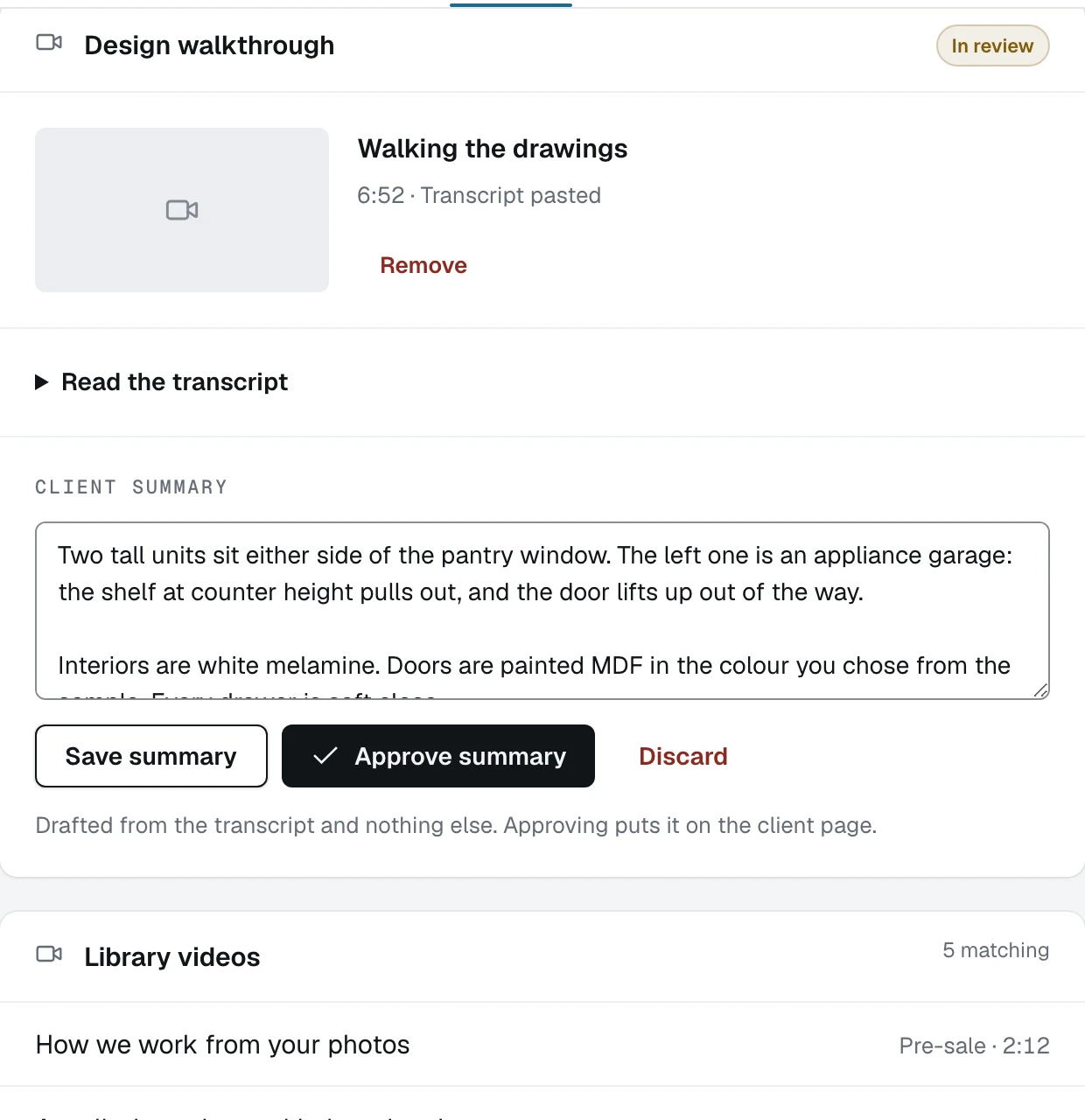
- 1Approve summary, once you have read it
- 2What it was drafted from, and what approving does
Click Save summary, then Approve summary
Saving keeps the words and leaves the card In review. Approving is the separate press that makes them client-facing. Nothing you have not approved appears on the walkthrough page, ever.
Copy it into the message that carries the link
Once approved, the summary prints in a box with Copy summary beside it and a line saying it is shown under the video on the client page. Paste it into the email or text that carries the walkthrough link so the client reads it before they tap anything.
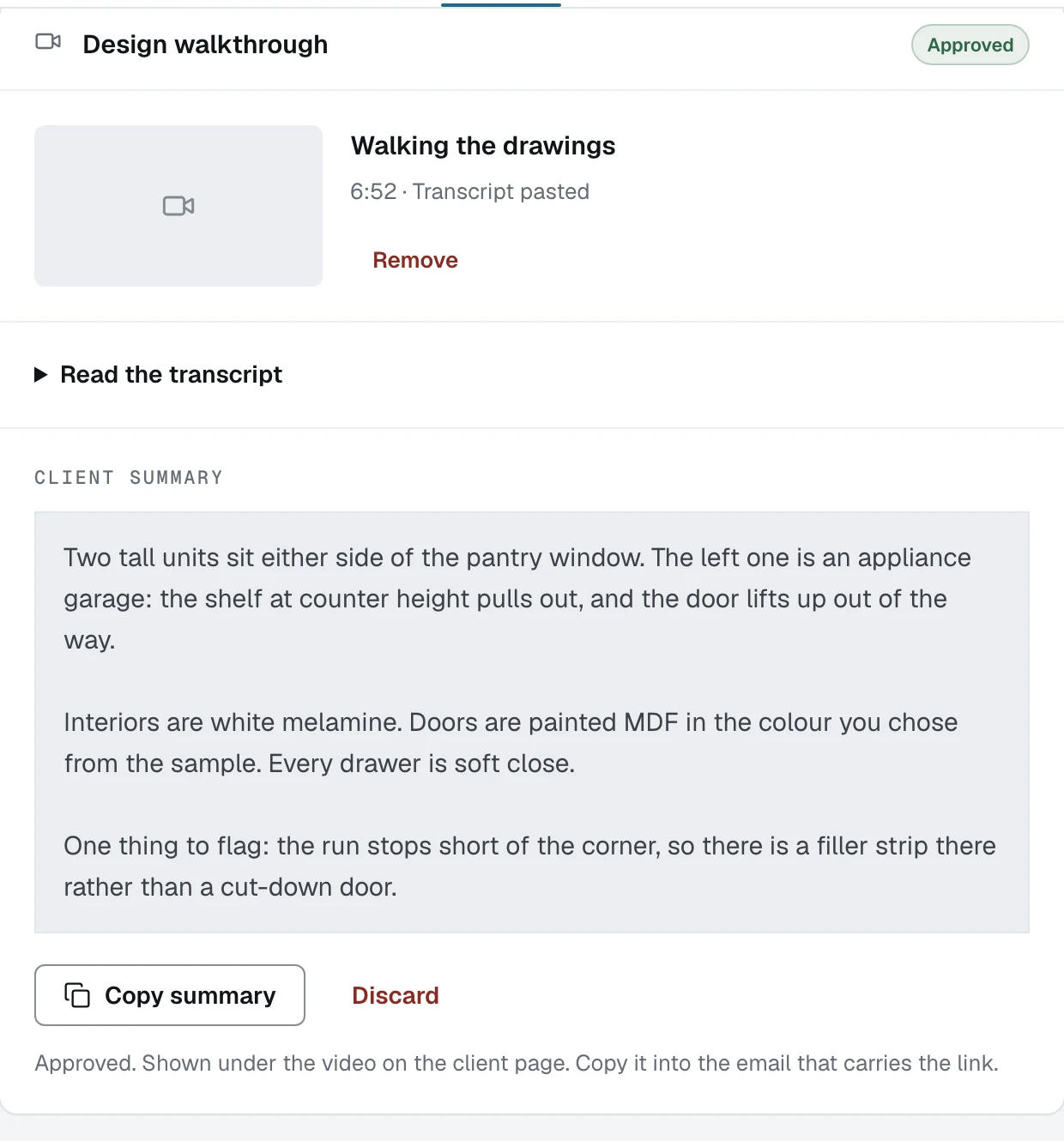
- 1The card's status, now Approved
- 2Copy summary, for the message you send
Discard rather than edit an approved summary in place
Discard clears an approved summary and asks twice before it does, because it is deleting words you already read and signed off. The card goes back to In review and you write it again.
What happens next
An approved summary has somewhere to go. The next guide is the walkthrough link, which is the page the client actually opens.