Guides / Settings and team
Export your rates and your data
Your rates come back out as the same workbook you put in, and your client list comes out as a CSV. Nothing in Casework is a one-way door.
What you need first
- The owner role, for the rates workbook
A shop should be able to take its own numbers somewhere else without asking anyone. By the end of this page you will have exported your rate sheet and a filtered client list, and know how to get the rest.
Open Settings, then Pricing, and find Import and export
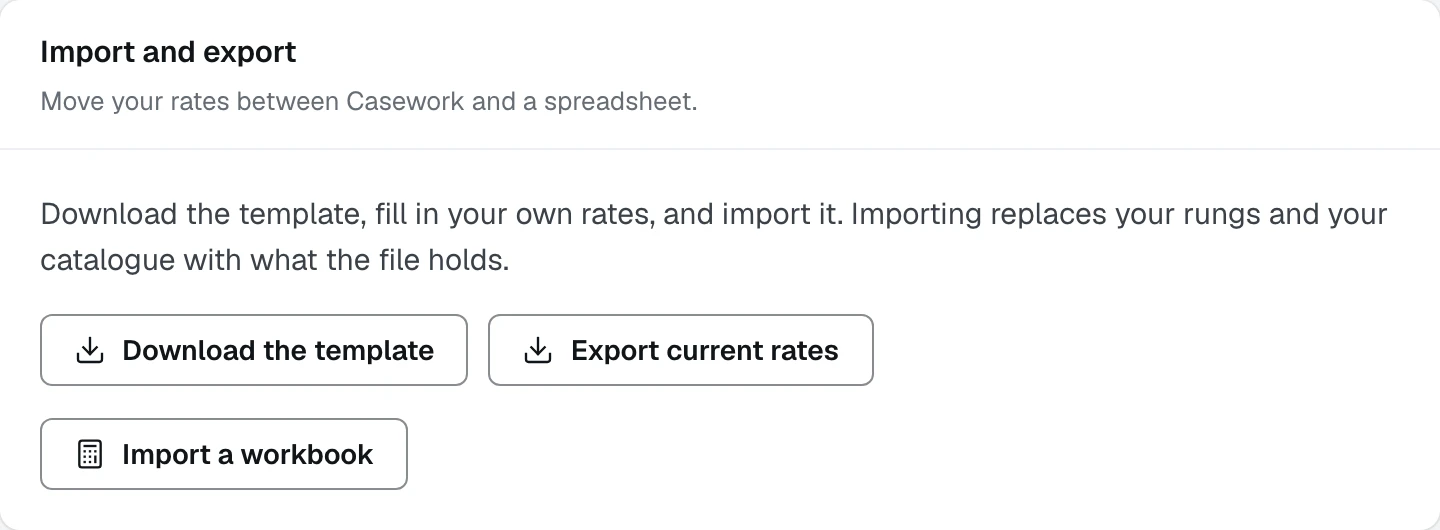
Click Export current rates
You get a spreadsheet of everything the engine prices from: your hourly rates, your tax, your uplift, the ballpark rungs and the detailed catalogue, a sheet each. It is the same shape as the template, so what comes out can go straight back in.
Open Follow-ups and build a client list
The Reactivation list builder filters who you want: past clients or lost leads, how long ago they were installed, which zone, and where they came from. Press Build the list and it counts and names them.
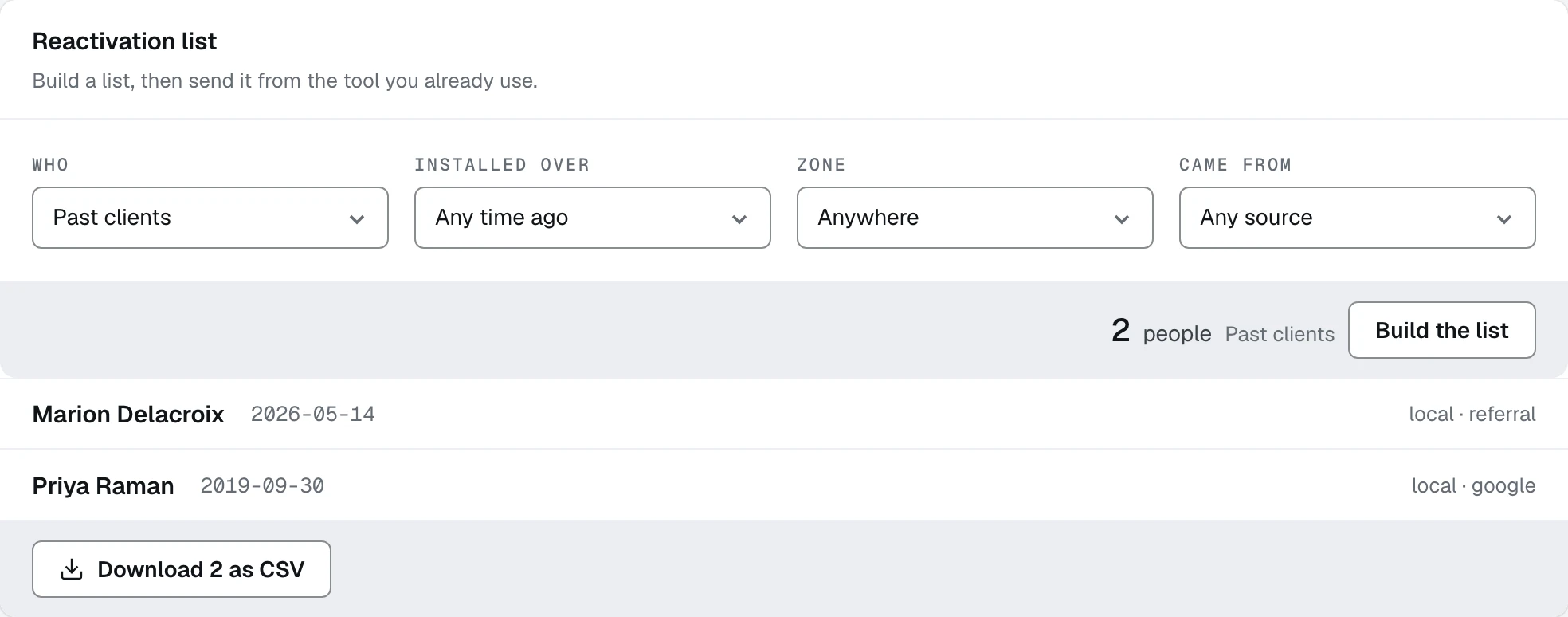
- 1Past clients or lost leads
- 2Build the list, which counts and names them
- 3Download as CSV, with the count on the button
Click Download as CSV
The button carries the count, so you know what you are about to get. The card says what it is for: build a list, then send it from the tool you already use. It is deliberately not a campaign tool.
Print any client document straight from the browser
Every client-facing document is a web page styled for paper, so printing one or saving a PDF is your own browser and nothing else. There is no renderer in the way and no attachment to wait for.
Ask for the whole workspace if you ever leave
Everything else, every project, spec, document, video row, follow-up and event, comes out as one file on request. It is an operator command rather than a button on this page, and it is the first thing run for a shop that is leaving, before anything is removed.
What happens next
That is the whole of the knowledge base. Start again at Getting started if you are setting a shop up, or at Estimates if your rates are already in.