Guides / Inbox and phone
Log a lead from your phone
A name and a number, typed in the driveway before you drive off. The project exists from that moment and the client's intake link is already made.
What you need first
- A phone with your workspace signed in
The lead you take standing on a doorstep is the one that never gets written down. By the end of this page you will have made a project in about twenty seconds, with the client's intake link waiting on it.
Open Casework on your phone
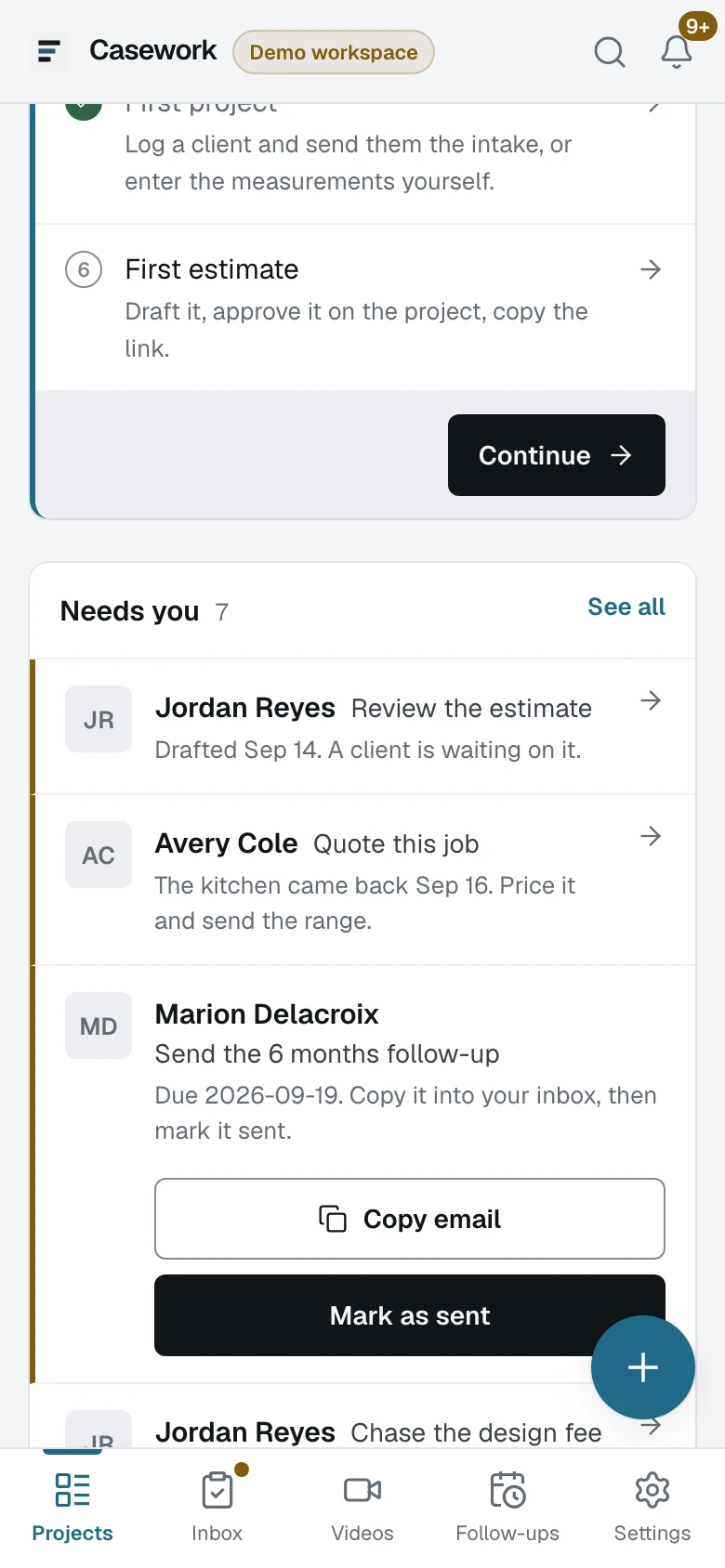
The bottom bar carries the five things a shop does standing up: Projects, Inbox, Videos, Follow-ups and Settings. Nothing is behind a menu.
Press the round button in the corner
Type the name and whichever of the two you got
Client name, Phone, Client email, Address. Nothing is a required field except the name, because a lead taken on a doorstep is whatever you managed to get, and refusing it is how a lead ends up on the back of a receipt.
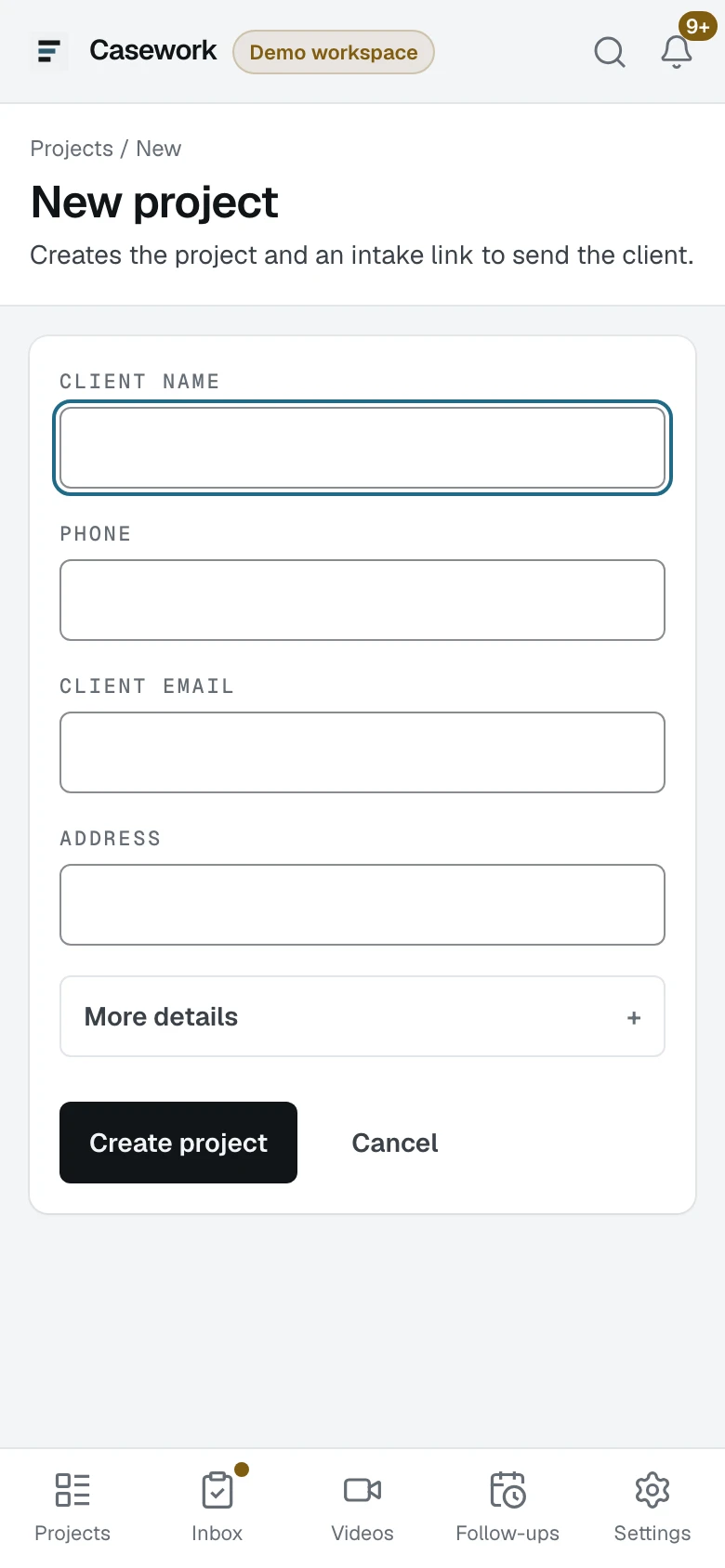
- 1Client name, the one thing it needs
- 2More details, for location, source and timeline
- 3Create project
Open More details when you have more
Location, source, timeline and notes are folded away under it. Source matters later: it is what the reactivation list filters on when you build a campaign out of five years of leads.
Press Create project
The page says what it will do before you press it: it creates the project and an intake link to send the client. You land on the job's Overview with the link in a copy field at the top.
Copy the link and send it before you drive off
One paste into a text. The client fills the form in their own time, the link is good for thirty days, and when it comes back the job appears on your list under Ready to quote.
What happens next
Some clients will not measure and some will not answer a form at all. The next guide is typing the feet yourself, on the same phone, with the Save that follows you down the page.