Guides / Clients and intake
Send the intake link
One link per job, good for thirty days, opening a short form in your colours. You copy it and send it yourself, from your own phone or inbox.
What you need first
- A project already logged
- A way to reach the client. Text works better than email for most
By the end of this guide the client has a link that opens the intake for their job and nothing else. Casework does not send it for you and does not need to.
Find the card on Overview
Open the job. On Overview, the card at the top reads Send the intake link, with the line The client describes each room and sends photos or measurements.
The link sits in a copy field inside that card.
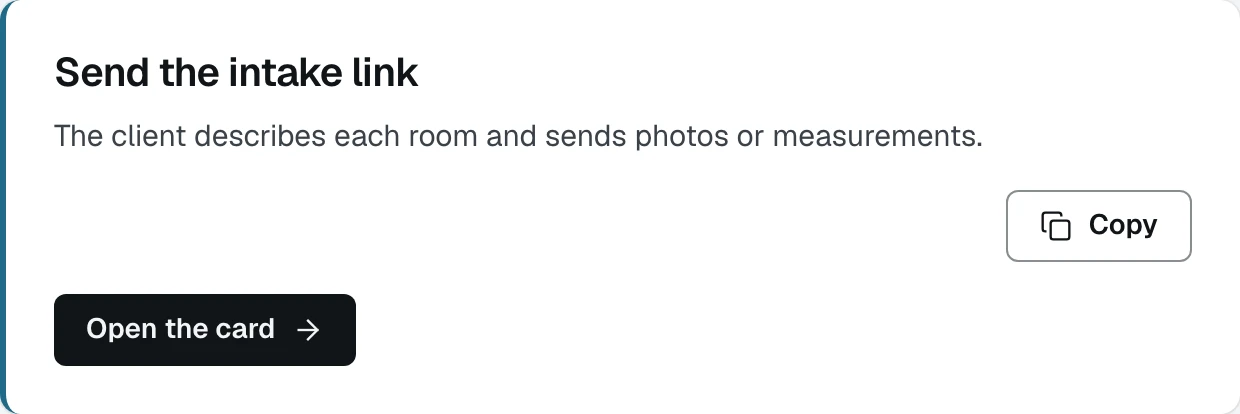
- 1Copy puts the client's own link on the clipboard
- 2Open the card goes to the Specs tab, where the link also lives
The field is blanked in the picture above. It prints a live link in full, and a link is a credential: anyone holding it can open that client's form.
Press Copy, then paste it into a message
Paste it into a text or an email and send it. That is the whole of it.
Most shops text it. The client is often standing in the room they want built when they read it, and the form is designed for a phone.
Know where else the link lives
The same link is on the Specs tab, under the card headed Client intake, with the line Send this to the client. It opens the intake form for this project and nothing else.
It sits there because that is the tab it fills in. Once the client answers, the measurements appear directly below it.
Know how long it lasts
An intake link is good for thirty days, because a client gathering photos and measurements takes weeks rather than hours. The form saves as they type and the same link picks up where they left off. The client is told so on the first screen.
Wait
When the client submits, a row appears in your Needs you list on the dashboard reading Quote this job, grouped under Ready to quote. You do not have to check the project.
What happens next
The form branches on its second screen, and both paths are worth knowing because half your clients will take the second one. See What the client sees, measuring and What the client sees, photos.