Guides / Settings and team
Sending, managed or your own domain
Your shop sends on a managed address from the day it exists. If you would rather it came from your own domain, the card lists the DNS records and checks them for you.
What you need first
- A reply address on the Shop tab in Settings
- Access to your domain's DNS, only if you want your own
Nothing in Casework sends a client an email without you pressing a button first. What this card decides is which address it comes from when you do. By the end of this page you will know which mode your shop is on and how to change it.
Open Settings, then Shop
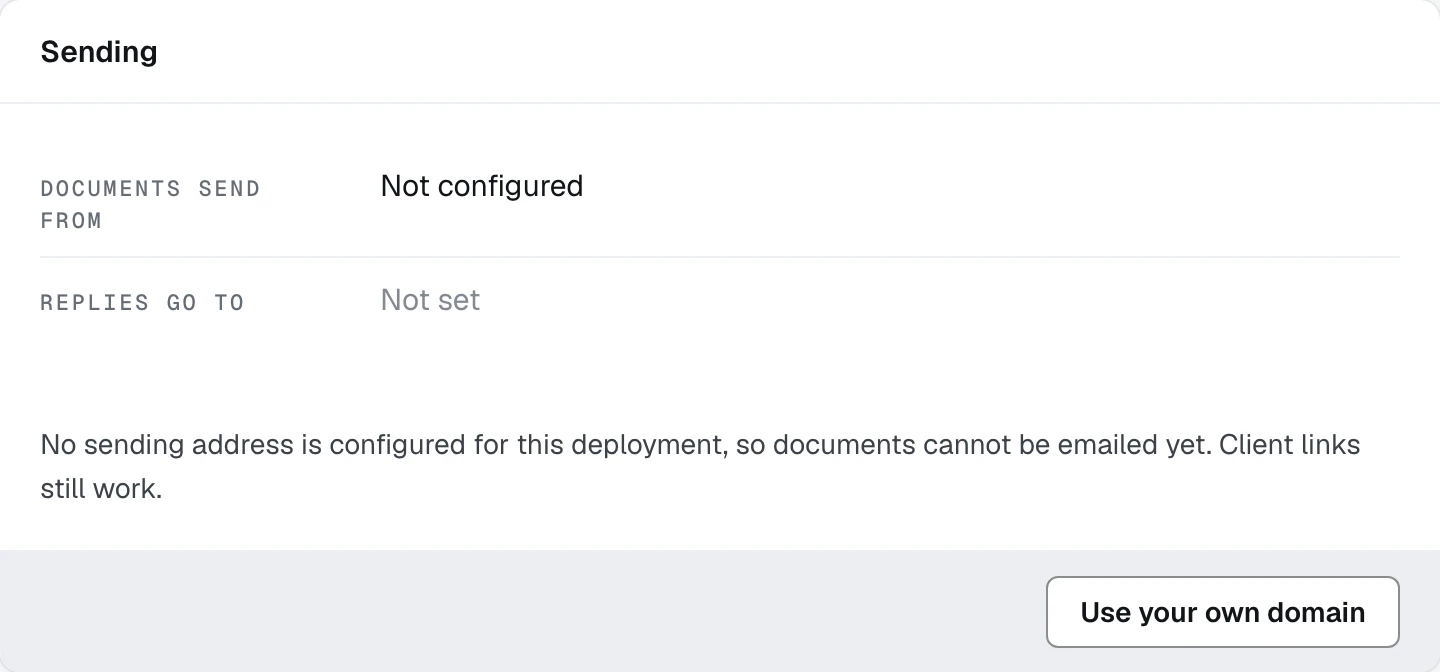
Do nothing, and you are on managed sending
A shop sends on a Casework mail address under its own display name, with its own address as the reply-to. A client sees your shop and a reply reaches your shop, with no DNS and nobody asked. That is the default from the moment there is a reply address.
Click Use your own domain if you would rather
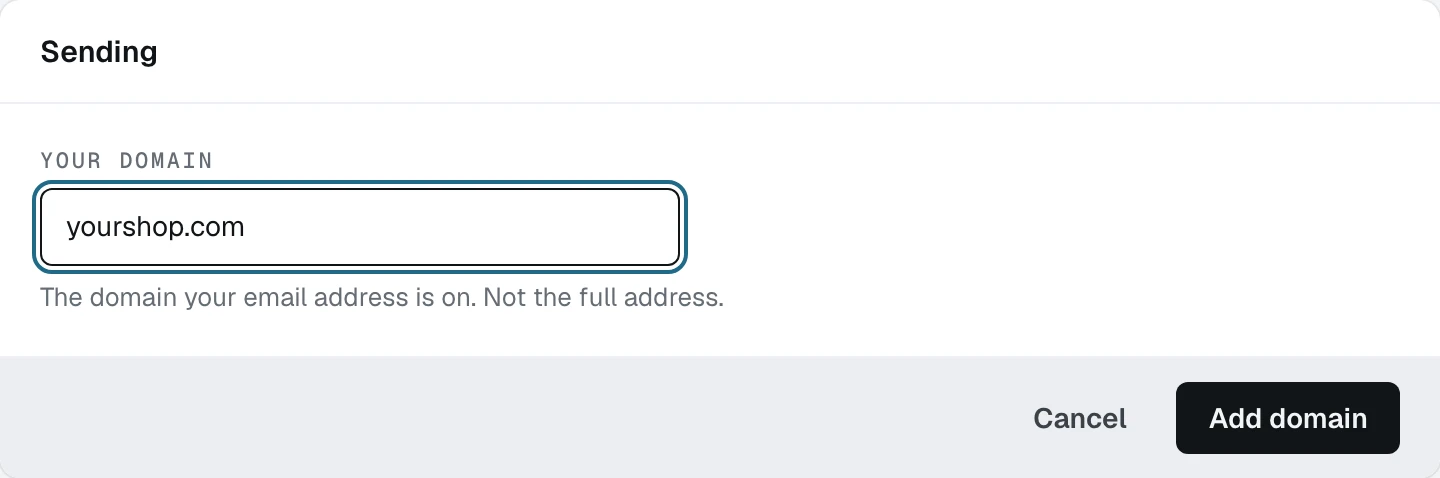
Publish the records it lists, then click Check
Adding the domain lists the DNS records to publish with a copy button on each value. Put them in with your registrar, come back, and press Check: the card reads the status back and shows it as a pill on the header. Until it verifies, the shop keeps sending on the managed address and the card says so.
Those records are not in the picture above. Adding a domain calls the email provider, and no sending key is configured on the workspace these pictures came from.
Switch back whenever you like
While a domain is in use the footer carries Use the Casework address instead, which puts the shop back on managed sending in one press without touching the DNS you published.
Read the card when a send comes back empty
If a document says nothing was sent, this card is the first place to look. "Not configured" means the deployment has no mail address at all, which is a platform setting rather than anything about your shop, and every client link still works.
What happens next
Sending is one of the things a shop turns on and forgets. The next guide is the switches that turn whole parts of the product off.