Guides / Rates
The rates workbook
One spreadsheet holding every rate Casework prices from. Download the template, fill in what you have, and leave the rest blank.
What you need first
- A spreadsheet application that opens .xlsx files
- Owner access. The Pricing tab is owner-only, and so is this download
By the end of this guide you have the workbook on your machine and you know what goes in each of its three sheets. Filling it in is the fastest route from a shop's own price list to a shop that can quote in Casework.
Download the template
Settings, Pricing, the Import and export card. Press Download the template.
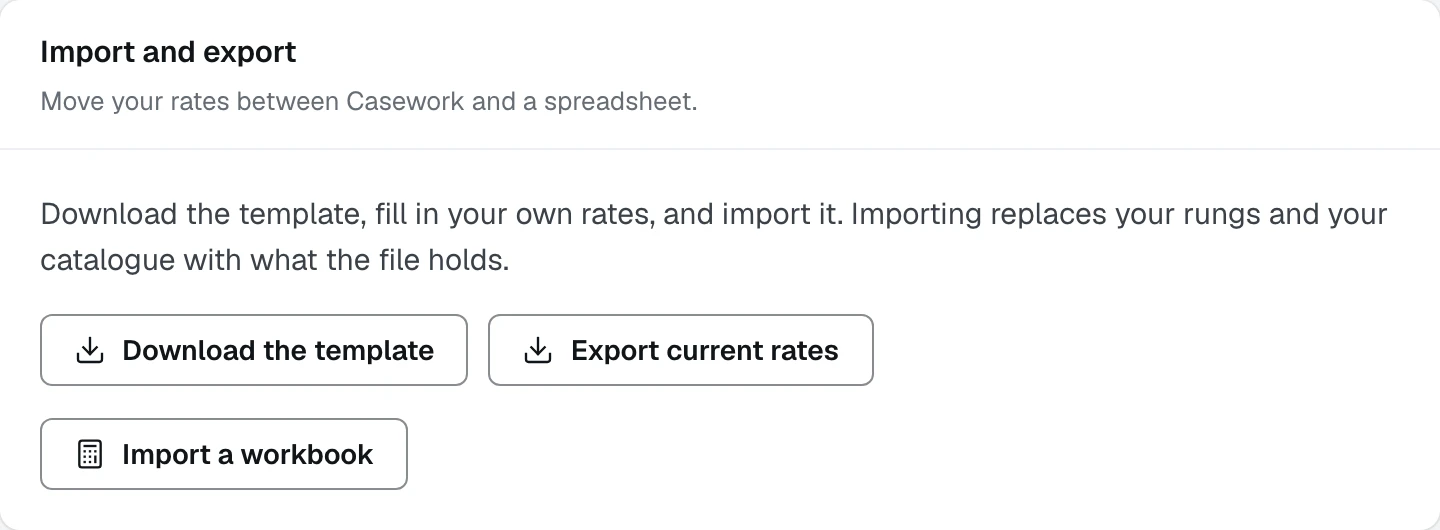
- 1Download the template, empty and ready to fill in
- 2Export current rates, the same workbook with yours already in it
- 3Import a workbook reads a filled file back
The file is called casework-rates-template.xlsx. Every sheet has its column
names in row 1 and, in row 2, one line per column saying exactly what goes in
it. Both rows stay frozen while you scroll.
Fill in Shop rates
Six rows, one setting each: tradesman per hour, apprentice per hour, GST percent, the uplift label a client reads, the uplift percent and the currency.
Percentages are whole numbers. Five means five percent.
The Key column is how Casework finds each row. Row 2 says so: Do not edit or delete this column.
Fill in Ballpark
This is the sheet the estimate is priced from. One row per rung you price, with four columns that matter: Tier is the name, Finish is the family it belongs to, Level is where it sits inside that family, and Rate per linear foot is the money.
Rungs that share a finish are sent to a client together as one range, so the family names have to match each other exactly.
Under the rungs, three settings: lighting per lit foot, how much of the uppers is lit as a percentage, and the full-height multiplier.
Fill in Catalogue, or leave it
The Catalogue sheet prices the detailed proposal, not the ballpark. One row
per priced part, grouped by Category and Block, each row carrying a
Unit of linear_foot, square_foot or each, a Labour per unit and a
Rate per unit.
A shop that wants to send estimates today can leave this sheet empty and come back to it. See The detailed catalogue for what it unlocks.
Leave blanks blank
A cell you have no number for stays empty. Casework does not write a zero in for you, because a zero is a price and an empty cell is a question you have not answered yet. The Pricing tab names anything still missing.
What happens next
With the file filled in, read it back: Import a workbook.