Guides / Getting started
Enter your rates
The estimate refuses to produce a figure until your own rates are in. This is the shortest route to a shop that can price.
What you need first
- Your hourly rates for a tradesman and an apprentice
- Your tax rate, and your uplift if you add one
- What you charge per linear foot, at each level of each finish you build
By the end of this guide the Pricing tab reads that your rates are complete and the estimate will price without stopping. Fifteen minutes if you type them, less if you have them in a spreadsheet.
Open Settings, then Pricing
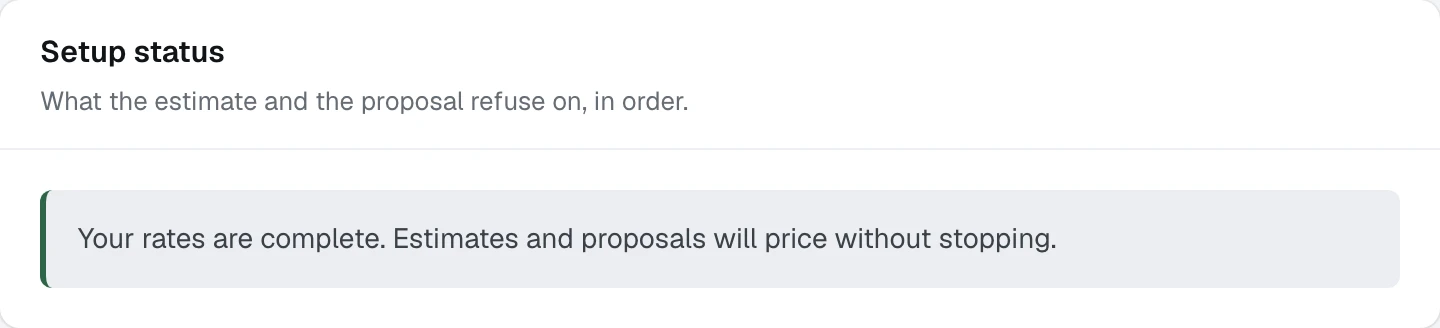
The first card is Setup status, under the line What the estimate and the proposal refuse on, in order. It names every rate that is still missing, each one linking to the card that answers it.
- 1Setup status, the list the estimate refuses on
- 2With nothing left it reads as one sentence
That refusal is deliberate. A rate invented here would print on a client's estimate, so the engine stops and says which one it wants.
Set your hourly rates, your tax and your uplift
On Rates, tax & uplift, press Edit.
Tradesman and Apprentice are dollars per hour, used for hour-based pricing and for design agreement revision fees. GST is a percentage applied to the proposal total. Uplift is a pre-tax percentage added to every proposal under a label you choose, and both the label and the rate are yours.
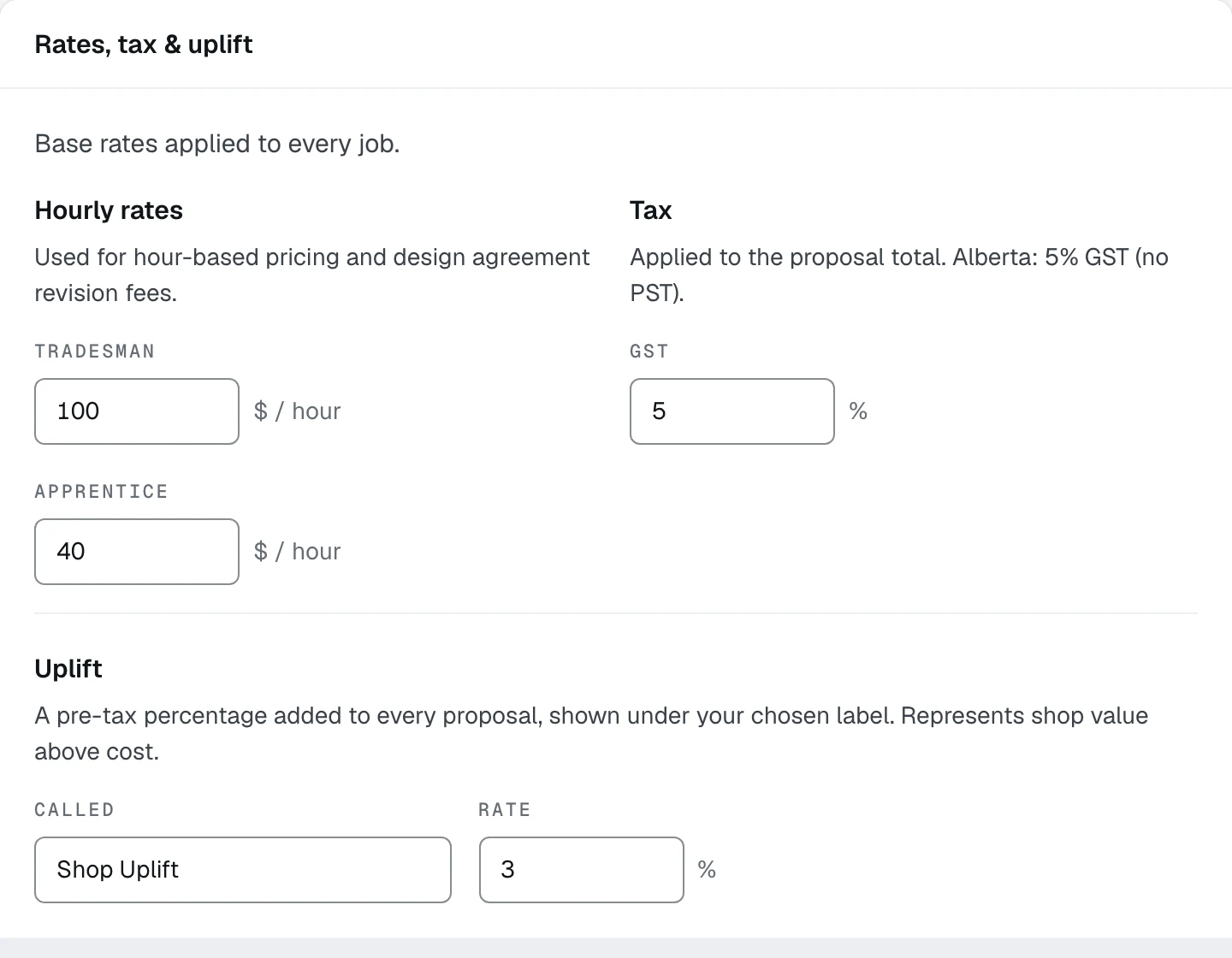
- 1Hourly rates, in dollars
- 2GST, as a percentage
- 3Uplift: the words a client reads, and the rate
Enter the rungs the estimate is priced from
On Ballpark estimate, press Edit. One row per rung you price: what you call it, which Finish family it belongs to, which Level it sits at, and the Per linear foot rate.
A client is shown the cheapest and priciest rung of each finish you send them. There is no averaging and no padding, so the range on a client's estimate is two of your own rates rather than a figure derived from them.
Set Lighting per lit foot and how much of the uppers is lit, and the Full-height multiplier, which counts a floor-to-ceiling run as more than the feet measured.
Type your rungs by hand walks this card field by field.
Or import them instead
If your rates are already in a spreadsheet, the Import and export card takes a filled workbook and writes all of it at once. See The rates workbook.
Read the status back
Return to Setup status. With nothing missing it reads Your rates are complete. Estimates and proposals will price without stopping, and the Rates row on the setup card closes.
What happens next
Rates are the figures. Next are the words that go around them: Write your terms.