Guides / Getting started
Write the covering note
The short message that carries an estimate link to a client, in your words. It has to contain the link placeholder, and Casework refuses to save it without one.
What you need first
- A subject line and two or three sentences in your own voice
- Nothing else. The placeholders are listed on the card
By the end of this guide the note that goes out with an estimate is yours, and the Covering note row on the setup card is closed. It takes five minutes and it is the last thing between you and a sent estimate.
Open Settings, then Emails
Two cards. Follow-up emails holds the six that go out over the five years after an install. Covering notes holds the three that carry a document to a client: Estimate, Design agreement and Care manual.
The setup card only waits on the first of those three.
Read what the card will accept
Under the Covering notes heading: Delivers a document to the client. Fill it in to enable Send; leave blank to copy the link manually.
Under that, the placeholders. {{link}} is required, and the rest are
optional: {{first_name}}, {{client_name}}, {{install_date}},
{{room}} and {{shop}}.
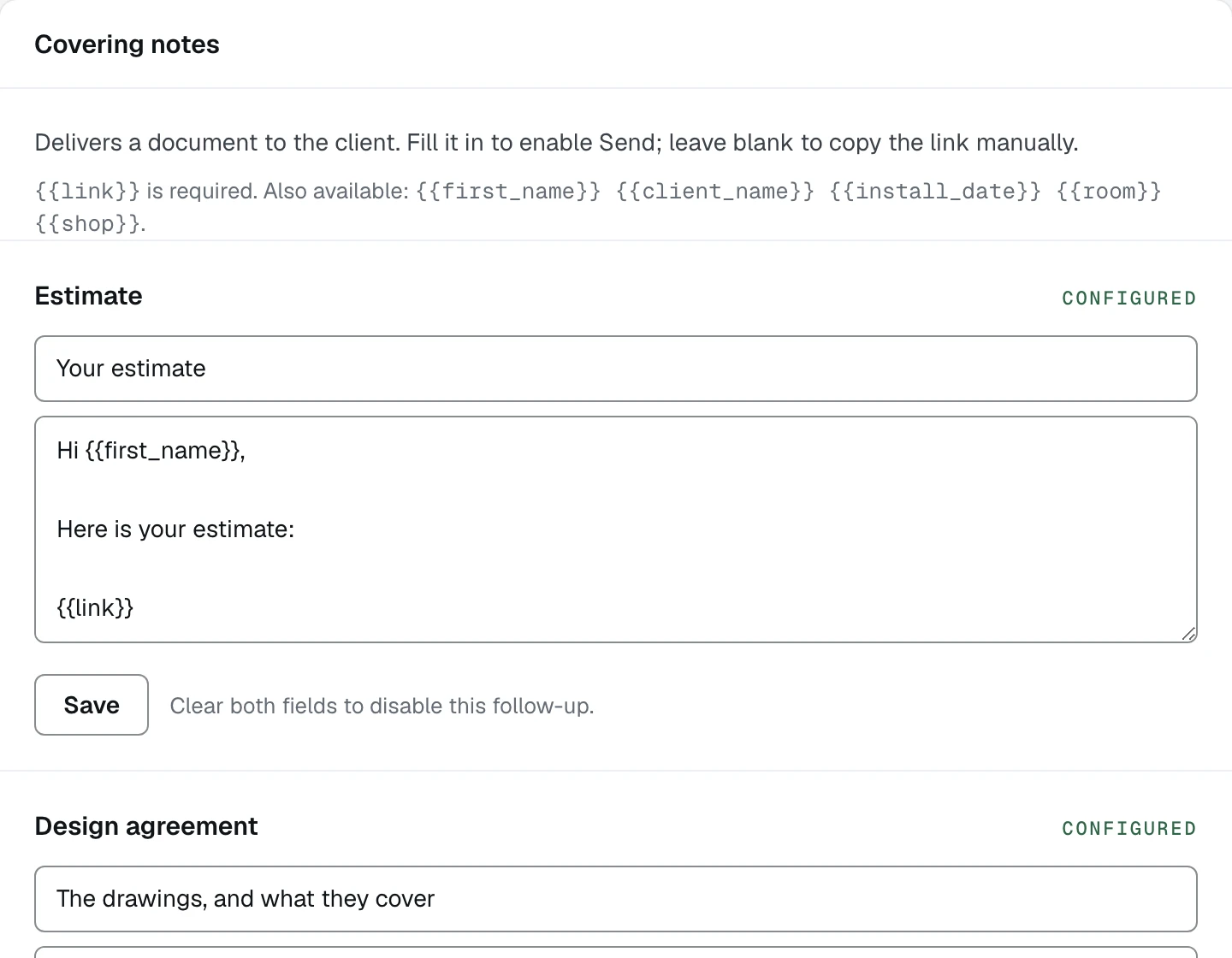
- 1The subject line the client sees
- 2The link placeholder. Without it the note will not save
Write the Estimate note
Type a subject and a body. Keep it short. It is a covering note for a document, not the document.
Drop {{link}} on its own line where the client's link should go. A note
without it is a warm paragraph about something the client cannot open, so
Casework refuses to save it rather than sending one.
Save
Press Save. The label on the right of the row turns to Configured, and the Covering note row on the setup card closes.
To switch a note off later, clear both fields. The line beside Save says so: Clear both fields to disable this follow-up.
Know what sending actually does today
Filling this note in enables the Email it to the client button on an approved document. Whether that button delivers depends on the deployment: a workspace with no sending address configured answers the press with a plain sentence saying nothing was sent, and the client link still works. Copying the link and sending it yourself works either way.
Settings, Shop, the Sending card names the address your documents go from today, or says it is not configured.
What happens next
Four rows down, two to go. Next is a real client: Log your first project.