Guides / Design agreement
Mark the design fee paid
One press, once the money is in your account. It moves the job to Deposit paid, closes the client's link and records the date the fee arrived.
What you need first
- An approved design agreement on the project
- The payment already in your bank account
Casework has no card processor in it. The fee lands the way it always has, and this press is you telling the app it arrived, which is the moment three other things move.
Wait for the money, not for the signature
The client agreeing and the client paying are two separate events. Agreeing is recorded on the client's page; paying is recorded here, by you, and only once the funds are in the account. Nothing in Casework watches a bank.
Open the job and find the design agreement card
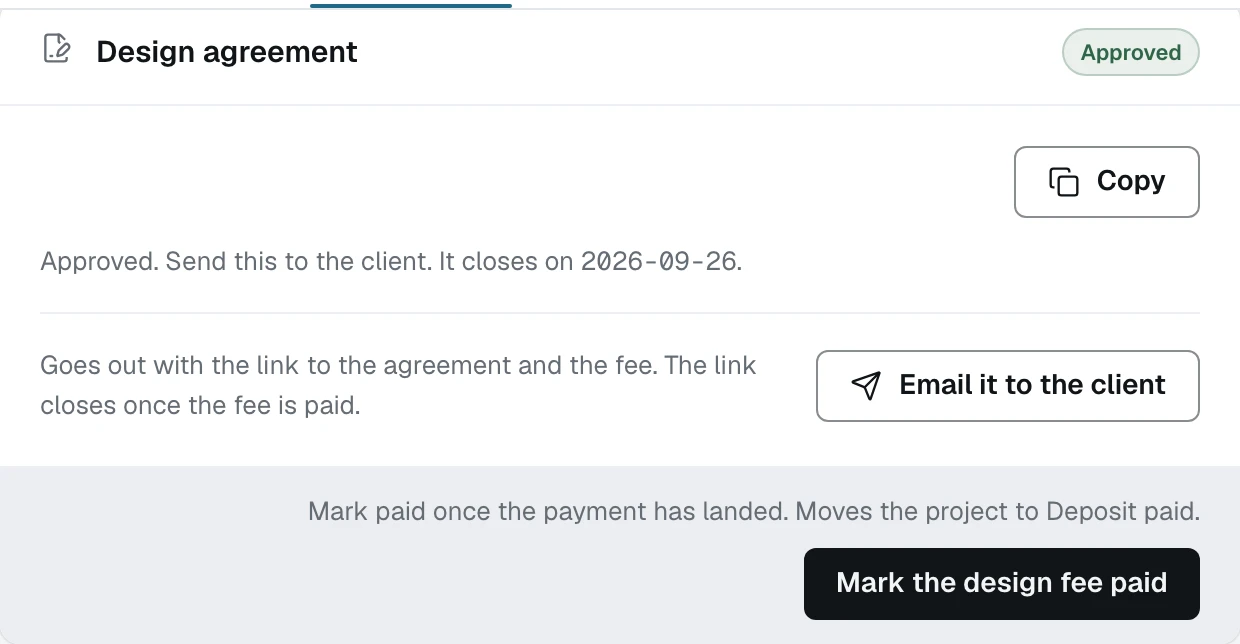
Click Mark the design fee paid
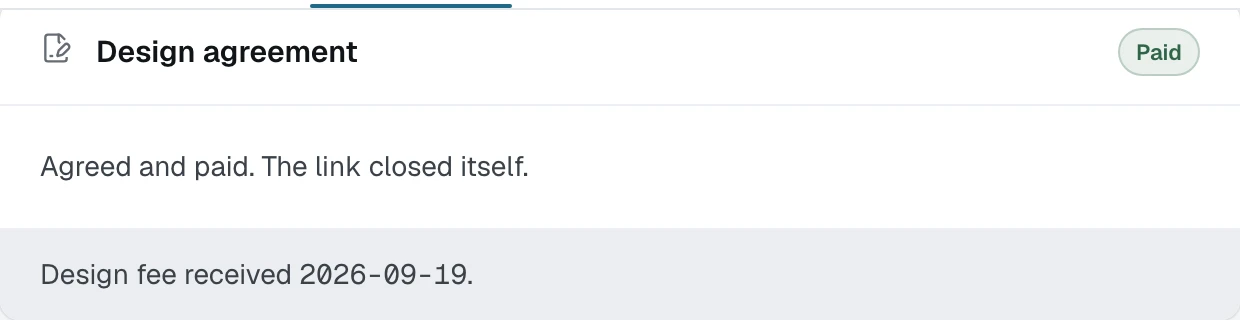
Check the job moved
The stage rail at the top of the project now shows Deposit paid with today's date under it. That stage is what the dashboard filters on, so the job leaves "Waiting on client" without you touching it.
Know what the date is for
The day the fee arrived is kept on the job. It is what the proposal reads later when it takes the fee off the first payment, so a fee that was never marked paid is never credited against a contract. That is deliberate: crediting a fee you did not collect takes money off your own price.
What happens next
Nothing in the product stops you drawing before the fee lands. The next guide, what the fee gate does, is exactly what Casework does and does not enforce about that.